Run your clinic by asking.
Arlina reads your own records to answer questions, drafts the work and proposes changes. A person approves anything that matters.

Ask anything about your clinic
How busy the week is, who’s off their plan, what needs your attention, open times for a service. Answers come from your records, with how they were counted.
- Within each person’s access. Everyone sees only what their role allows.
- “How do I…” questions answered from Arlina’s help guides.
Questions Arlina suggests in the demo clinic
- How busy are we this week?
- What needs my attention?
- Who’s arriving next?
- How many appointments were cancelled last week?
- Open times for Massage therapy 60 min tomorrow
- Whose forms are due?
- Who needs checkout?
- Billing this month
Changes you preview, confirm and undo
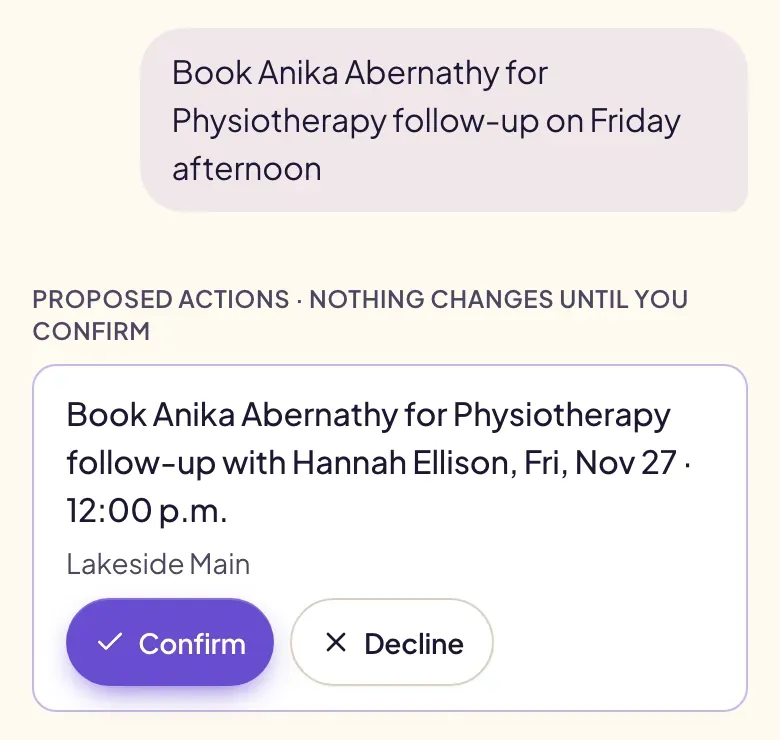
Ask for a change in a sentence. Arlina shows each step before anything is saved, checked against your permissions.
- Book, move, add. Book a patient, add a practitioner with hours and services, update a record.
- One Confirm, then Undo. Nothing changes until you confirm, and Undo takes it back.
Notes drafted from your words
Talk through the visit or type a summary. Arlina fills the right sections of your own template. You review, edit and sign.
- Your words, your template. Only what you said, in the right sections.
- Signed means locked. Later changes are addenda that keep the original.
- You talk or typeA few lines on what you did and found.
- Arlina draftsYour words, in the right sections of your template.
- You review and signEdit anything. It stays a draft until you sign.
Arlina Voice answers the calls you miss
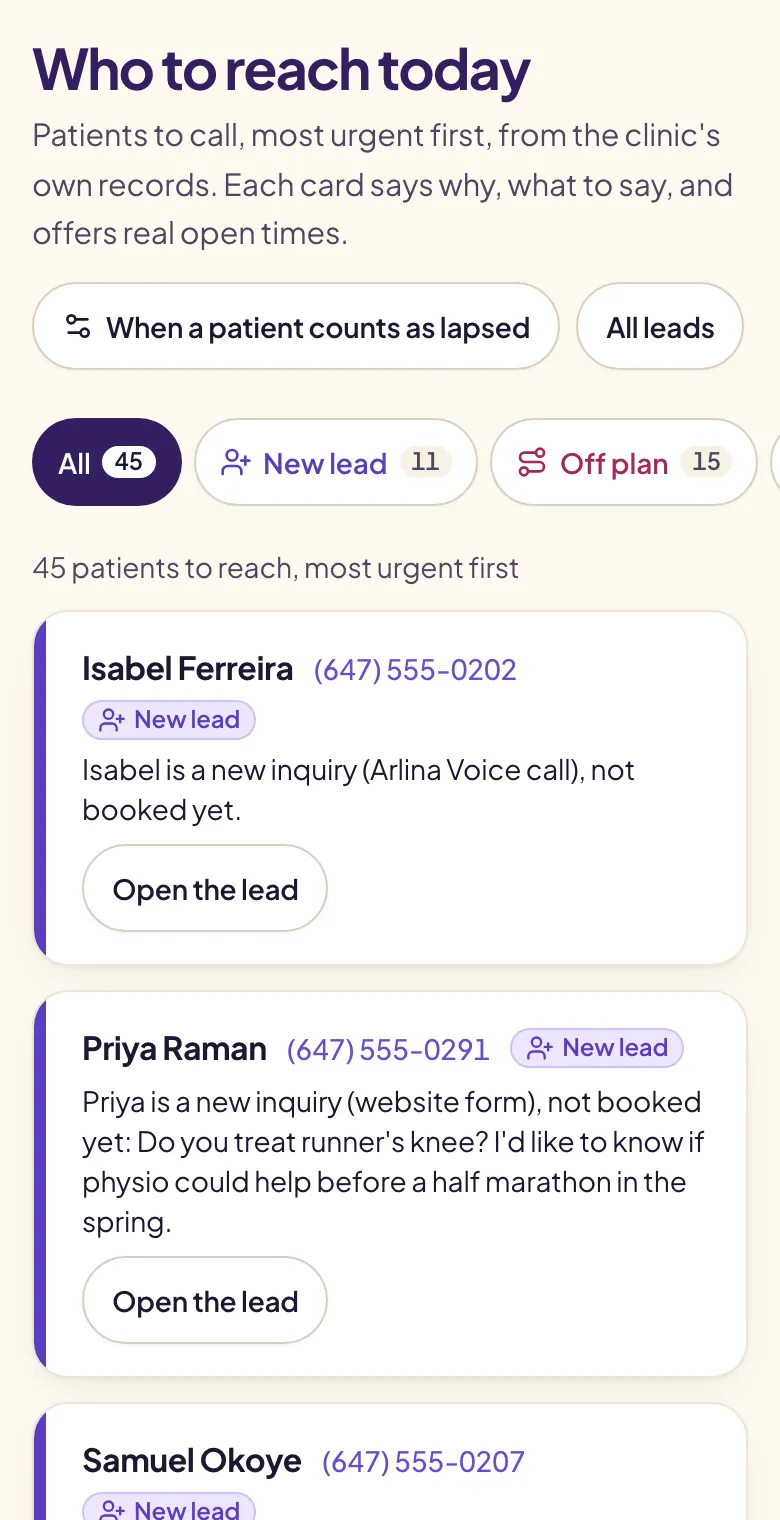
After hours or when the desk is busy, Arlina answers, offers real open times and books or takes the request. Your desk sees what it did.
- Your number stays yours. Calls you miss are forwarded to Arlina.
- Payments stay with your desk. Callers who want to pay get your team or a secure link.
Every message, answered faster.
When a patient texts to move a visit, Arlina finds real open times and drafts the reply. Your team sends it with one tap.
- Health questions go straight to the practitioner.
- Sensitive details move to secure messaging automatically.
What stays with people
- Clinical content is written and signed by practitioners.
- Nothing clinical reaches a patient without a practitioner’s approval.
- Your team handles billing, payments and claims.
- Owners turn each AI feature on or off. Your data is never used to train AI models.
Ask your first question this week.
30 days risk-free, set up with you.
Nothing is charged before day 31. Month to month, export everything any time.